Color Tools
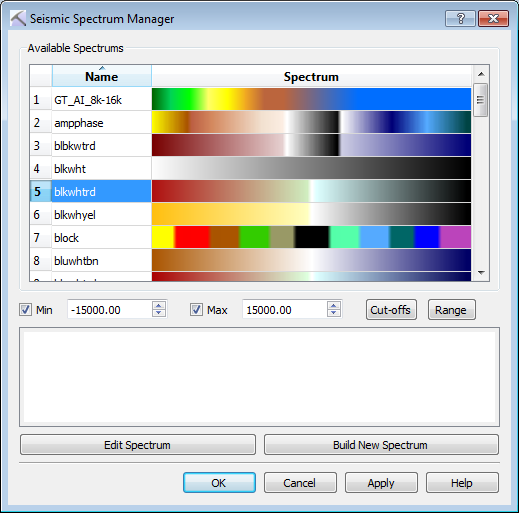 There are a number of tools that let you select, create, and modify the colors in your project.
Color Spectra
Color spectra are applied to surfaces and seismic data throughout your project. The Color Spectrum Manager and Seismic Spectrum Manager can be opened from any dialog box where you are required to select a color spectrum, such as the Surface Display and Data dialog box in the 3D View window. The Color Spectrum Generator is used to create and customize colorbars for both color and seismic spectra.
Opacity Spectra
The Opacity Spectrum Manager allows you to select an opacity spectrum, which is applied to the seismic spectrum. When the opacity spectrum is applied, some portions of the seismic data, usually the extreme edges or zero crossings, become transparent, allowing you to focus on the significant amplitude events in your data.
Color Table
The Color Table dialog box is used whenever you need to select a single color, for example a surface color or background color.
Lithology
The Lithology Pattern Selection dialog box is used to select the pattern that will be applied in conjunction with color to cross sections, intervals, and surfaces.
— MORE INFORMATION

|
Copyright © 2020 | SeisWare International Inc. | All rights reserved |