Grid and Contour: Contour Grid
Select this option to contour an existing grid.
 How do I contour an existing grid using the grid and contour wizard?
-
elect Contour Grid.
-
Select the Existing Grid from the list.
-
Select the Contour Extents and optionally change the Contour Name. Compute the extents of the selected data and optionally change the minimum or maximum values used.
-
Select the Contour Interval. Specify the contour interval, the labeling interval and the size and font for the contours.
-
(Optional) Save the Parameters. Save the parameters used for the operation so that the grid can be replicated at a later date.
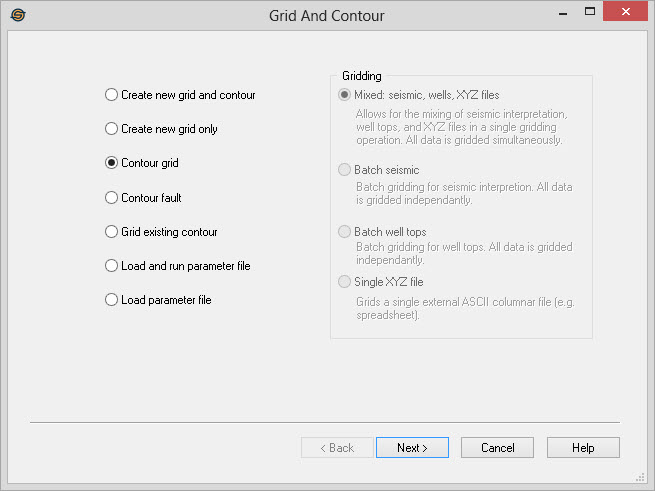
Contour Grid Wizard Options
— MORE INFORMATION

|
Copyright © 2020 | SeisWare International Inc. | All rights reserved |