Performance Properties
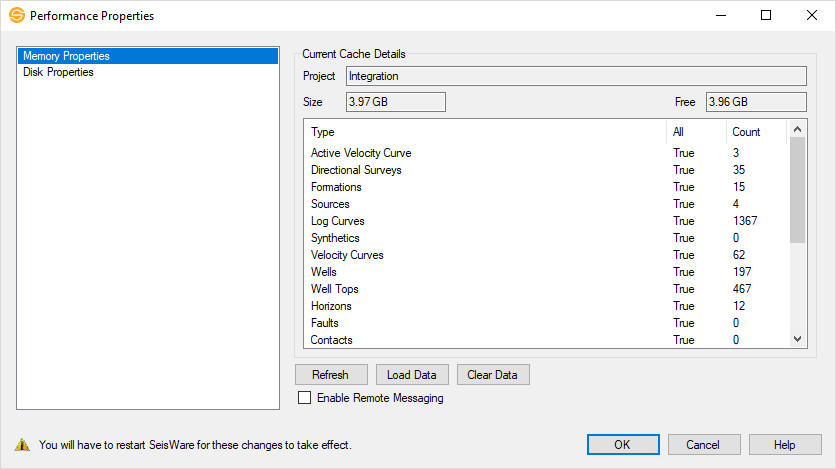
The performance of a SeisWare project is improved by saving data to your local machine while you are using the project. Data can be accessed more quickly because it doesn't have to be retrieved from the database and across the network every time you access it. Performance Properties are split into two distinct categories.
- Memory Properties: This
will save information that is stored in your SeisWare database to RAM
when you open your project. This includes wells, tops, formations,
sources, seismic line and file lists, fault lists, horizon lists, and
grid lists, among others.
- Disk Properties: This will save selected files to a Local Cache Folder specified by the user. When enabled, selected seismic, log curve, culture and grid files are copied to the folder location, and the local copy of the data used, improving performance.
General Information
— MORE INFORMATION

|
Copyright © 2020 | SeisWare International Inc. | All rights reserved |