Data Pipeline: Import
This Import page allows you
start the data retrieval. Status
messages will
appear above the progress bar.
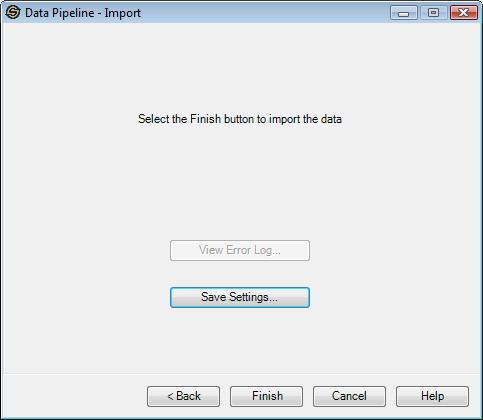
View Error Log:Once the data retrieval has been run, if there were any errors with the retrieval, you can peruse them by selecting this button. The subsequent dialog that appears also allows you to save the errors to a text file.
Save Settings:Once the data retrieval has been run, you can save the current settings to a text file, that can be reloaded to perform the same operation at a later date.
Cancel:If
the data retrieval has started, then cancel running, otherwise close
the dialog.
— MORE INFORMATION

|
Copyright © 2020 | SeisWare International Inc. | All rights reserved |