SEG-Y Export: Clipping Polygons
Use the Clipping Polygons page to specify optional clipping polygons
and how to
handle them. Clipping is useful when you only wish to export certain
areas of your seismic data.
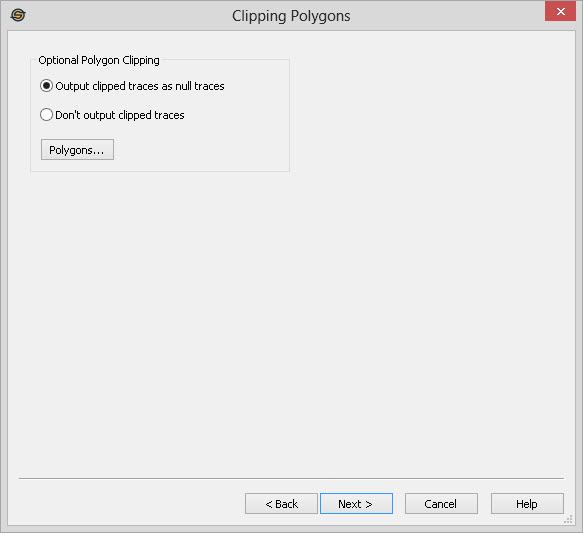
Optional Polygon Clipping
Specify the behavior when using polygons.
Output clipped traces as null traces: When this option is selected, traces that are clipped by the specified polygons will still get written to the exported SEG-Y file. The traces samples for these exported traces will all be set to zero. This option is often desirable when the clipping produces holes in a 3D.
Don't output clipped traces: When this option is selected, any traces that are clipped will not be written to the exported SEG-Y file. This option is most useful if you want to reduce the overall size of the file output.
 Polygons: Open the Select
Polygons dialog to
select inclusion or exclusion polygons to define the limits of the
volume.
Polygons: Open the Select
Polygons dialog to
select inclusion or exclusion polygons to define the limits of the
volume.
— MORE INFORMATION

|
Copyright © 2020 | SeisWare International Inc. | All rights reserved |