Data Pipeline: Log Curve Selection
The Log Curve Selection page allows you to
select the log curves to use.
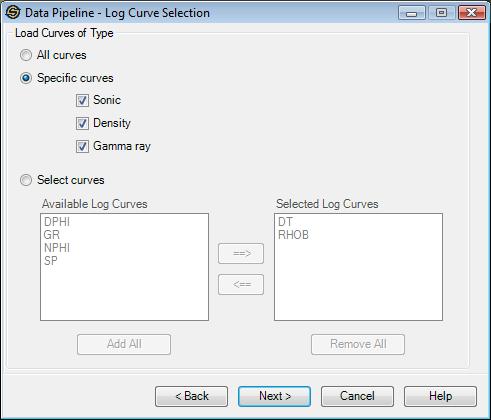
Load Curves of Type: This option controls which log curves should be used.
All Curves: Select this item if you want to import/export all log curves.
Specific Curves: Select this item to import/export just a specific type of curve for a well. You can select just Sonic, Density or Gamma ray logs.
Select Curves:Select this item to select the curve names to use. Currently this is only available for import.
Note: Depending on the Data Source selected and the Data Types to import not all pages may appear.
— MORE INFORMATION

|
Copyright © 2020 | SeisWare International Inc. | All rights reserved |