3D Visualizer: Keyboard Shortcuts
3D Geophysics provides the following keyboard shortcuts to speed up manipulation and customization of the display.
Mode Shortcuts

|
Enter navigation mode. |

|

|
Enter selection mode. |

|

|
Create a new center of rotation. |

|
|
|
Stop the current operation |

|

Slider Shortcuts
 or or  |
Increment the slider by the minimum value. |
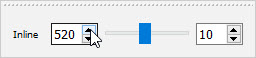
|
 or or |
Decrement the slider by the minimum value. |
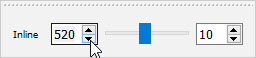
|

|
Increment the slider by the page step rate. |
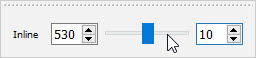
|
|
|
Decrement the slider by the page step rate. |
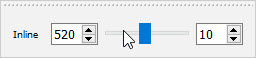
|

Seismic Dataset Version Shortcuts

|
Switch to the next seismic dataset when seismic data is selected. |
  |
Switch to the previous seismic dataset when seismic data is selected. |
Palette Shortcuts

|
Switch to the next color palette in the palette list for the selected object. |
|
|
Switch to the previous color palette in the palette list for the selected object. |
Also See
— MORE INFORMATION

|
Copyright © 2020 | SeisWare International Inc. | All rights reserved |