3D Visualizer: Data Selection
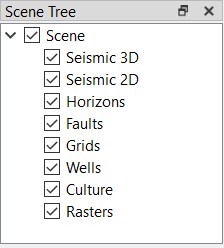 There are several dialog boxes in 3D Visualizer application that are used to build and customize your scene, switch between scenes, and update the data in your scene. You can turn the dialog boxes on and off from the View menu, and then resize and move the dialog boxes to customize the window display, and maximize the usable space.
3D Visualizer Dialog Boxes
Also See
— MORE INFORMATION

|
Copyright © 2020 | SeisWare International Inc. | All rights reserved |