User Properties
The User Properties dialog allows you to view the users associated with
each SeisWare project, set and edit the roles for each user, select
the role and the impersonation behavior of the current user, and delete
users.
The User Properties dialog consists of:
General Information
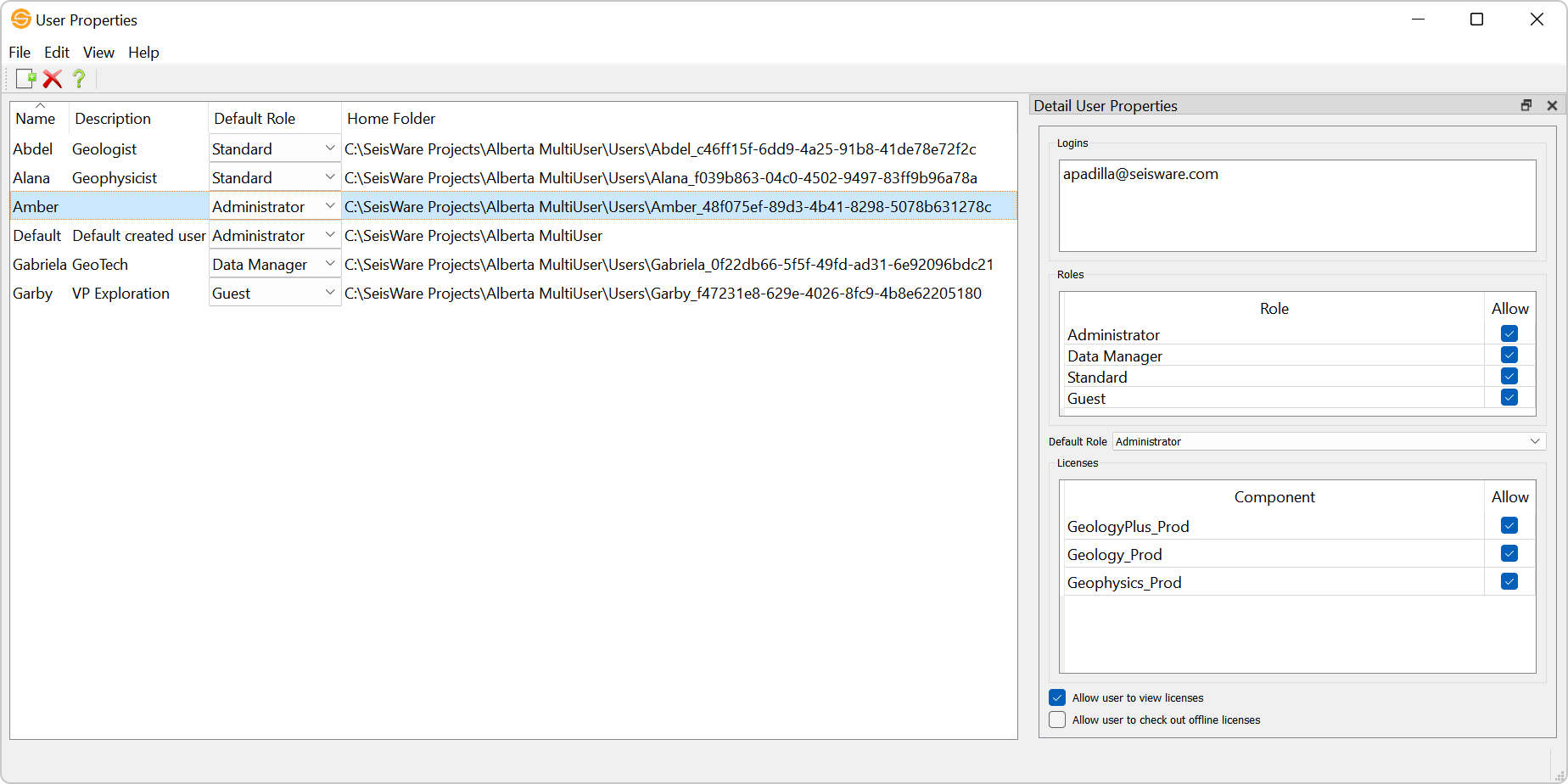
User Table
The User Table shows you the users associated with a project, as well
as their default
role.
Menus
The menus allow you to access the Login Configuration dialog, options for changing your display, Help, and creating and deleting users.
Toolbars
The toolbars let you access the Create New, Delete, and Help options.
Also See
— MORE INFORMATION

|
Copyright © 2020 | SeisWare International Inc. | All rights reserved |