Pad Plan 3D: Toolbars
The Pad Plan 3D window has several toolbars used to manipulate the orientation and appearance of the data in the scene. To add or remove a toolbar, right click on a toolbar and select the toolbar you want to add or remove.
Mode Toolbar

The Mode Toolbar is used to switch between navigation and selection modes, and to define a center of rotation for your scene.  See Mode Toolbar options...
 Anchor Point: Click on the display to create a center of rotation. Alternately, use the keyboard shortcut . .
 Stop: Stop the current operation. Alternately, use the keyboard shortcut Esc.
Camera Toolbar

The Camera Toolbar controls the zoom level of the display and allows you to define and return to a home position. See Camera Toolbar options...
 Set Home: Define a home position for the scene.
 Go Home: Return to the home position for the scene.
Orient: Select from the list to orient the scene.
North: Center the data in the scene and orient the display with north facing into the screen.
North-Z: Center the data in the scene and orient the display to map view
with
north in the up direction.
 Zoom to Fit Window: Scale the scene to fit all visible data
into
the
window.
Zoom to Fit Window: Scale the scene to fit all visible data
into
the
window.
 Zoom
In:
Zoom in on the scene. The center of the scene will remain in the same location.
Zoom
In:
Zoom in on the scene. The center of the scene will remain in the same location.
 Zoom
Out:
Zoom out on the scene. The center of the scene will remain in the same location.
Zoom
Out:
Zoom out on the scene. The center of the scene will remain in the same location.
 /
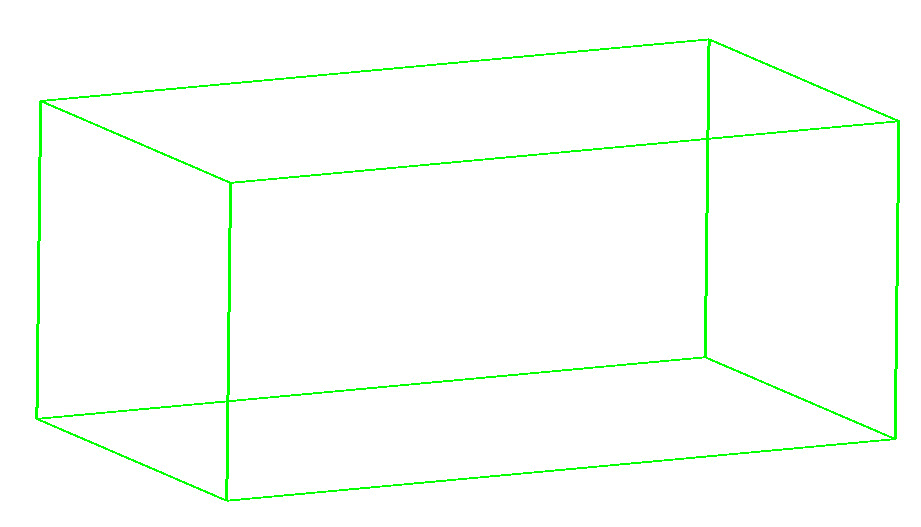
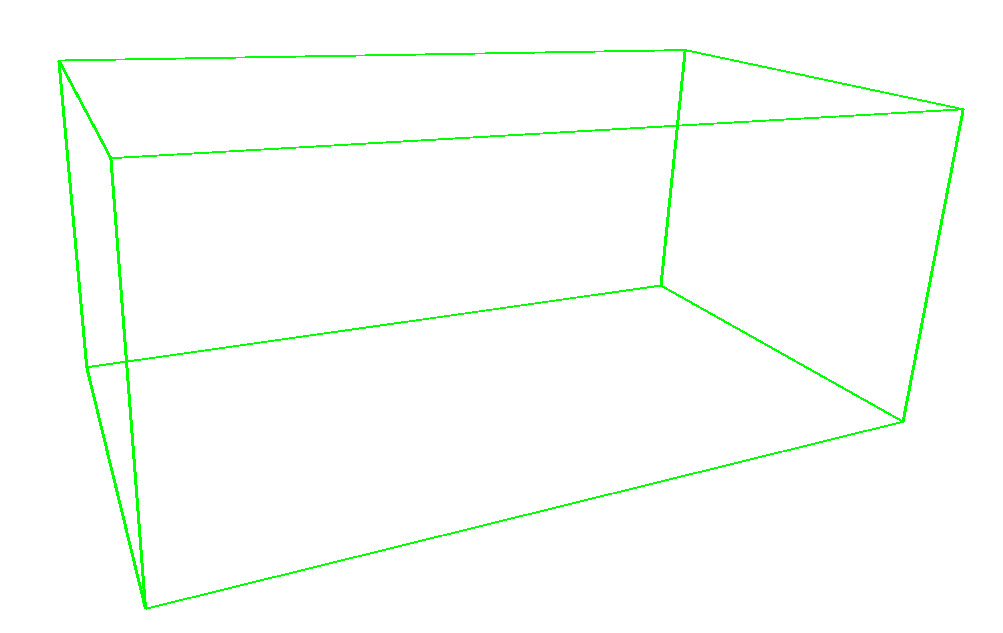
/ View Orthographic/Perspective: Switch between orthographic and perspective camera views.
Orthogonal: View the scene with no perspective, with all lines orthogonal to the projection plane.
Perspective: View the scene with perspective, allowing objects to appear smaller when they are farther away from the camera.
Z Scale Toolbar

The Z Scale Toolbar is used to define the vertical exaggeration of your scene. See Z Scale Toolbar options...
Z: Select from a list of predefined scales, or manually enter a value to determine the vertical exaggeration of the display. Note: This is the same as the Z Scale setting associated with the Scene Properties in the Object Properties dialog box.
Slider Toolbar

The Slider Toolbar is used to move culture up and down within the scene. See Slider Toolbar options...
Culture Z: This value represents the inline, crossline, depth, or time of the current slice or culture folder. Use the up and down arrows ( ) to step through the slices one at a time, or, to navigate to a specific line or slice, type a value into this field and press Enter on your keyboard.
Selection Slider: Click and drag the slider ( )
to change the slice being displayed. This slider's position is
relative to the slice's position in the volume. Click on either side
of the slider to advance through the volume by the Step Rate.
)
to change the slice being displayed. This slider's position is
relative to the slice's position in the volume. Click on either side
of the slider to advance through the volume by the Step Rate.
Step Rate: The number of slices by which your display will change when you click your mouse on either side of the slider bar (), or when you press Page Up or Page Down on your keyboard. Type a value into this field to change the Step Rate.
