Log Editor: Zoom In
Zoom In 
Use this tool to zoom both the vertical and
the
horizontal axis on a single tack. All other tracks will have the vertical zoom applied.How to Zoom In on a Rectangle
- Click and hold the
mouse button to select one
corner and drag with the mouse button still down to the opposite
corner.
- Release the mouse button to zoom into the selected region.
 ) to
restore the original
zoom if needed.
) to
restore the original
zoom if needed.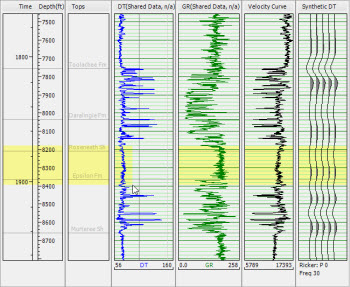

Log Editor display before and after the Zoom In operation.
Also See
— MORE INFORMATION

|
Copyright © 2020 | SeisWare International Inc. | All rights reserved |