Select Curves
The Select Curves page is used to select log curve aliases or log curves to extract data from.
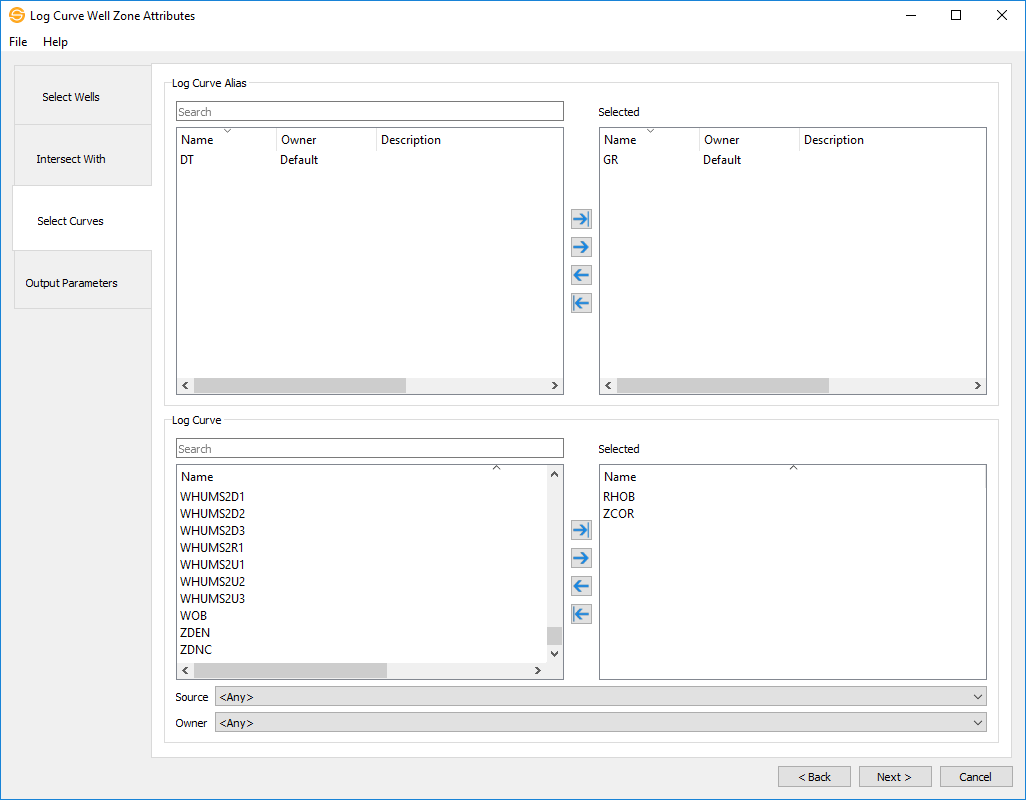
Log Curve Alias
Select log curve aliases to use to determine the extracted values. Left click to select a log curve alias, or use Ctrl to select multiple log curve aliases. Once you have selected your aliases use  to move the aliases to the Selected list or
  to move all aliases to the Selected list. You can also move a single log curve alias to the Selected list by double clicking on it.
Log Curve
Select log curves to use to determine the extracted values and select an optional source and owner. Left click to select a log curve, or use Ctrl to select multiple log curves. Once you have selected your log curves use to move the curves to the Selected list or to move all curves to the Selected list. You can also move a single log curve to the Selected list by double clicking on it. Note: If you leave sources and owners to Any, then it will use the first match it finds for those wells.
- Previous: Intersect With
- Next: Output Parameters
— MORE INFORMATION

|
Copyright © 2020 | SeisWare International Inc. | All rights reserved |