Merge Tops: Output Choices
The Output Choices page allows you to enter the name of the output formation and optional output source, and merge the tops into the output formation and source.
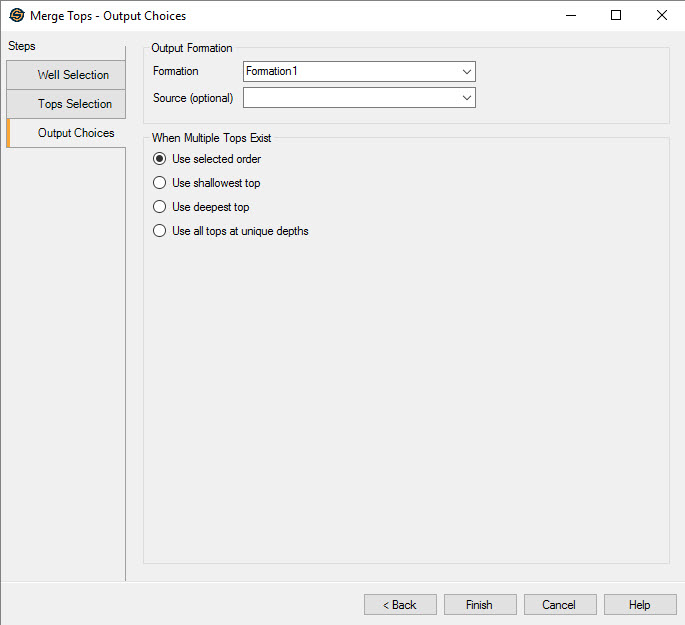
Output Formation
Formation: Enter the name of the output formation, or select the name of an existing formation from the list.
Source (Optional):Select a source for the new formation.
Merge Behavior
Use selected order: If there are two
or more tops for a particular well, the first top in the selected tops
list will become the merged top.
Use shallowest top: If
there
are two or more tops for a particular well, the shallowest top in the
selected tops list will become the merged top.
Use deepest top: If
there
are two or more tops for a particular well, the deepest top in the
selected tops list will become the merged top.
Use all tops at unique depths:
If there are two or more tops for a particular well, all the tops in the selected tops list will become the merged top.
— MORE INFORMATION

|
Copyright © 2020 | SeisWare International Inc. | All rights reserved |