Filters
Use the following filters to select your zones, zone types, zone attributes, sources, and owners to use in the Match Zone box.
Zone Filter
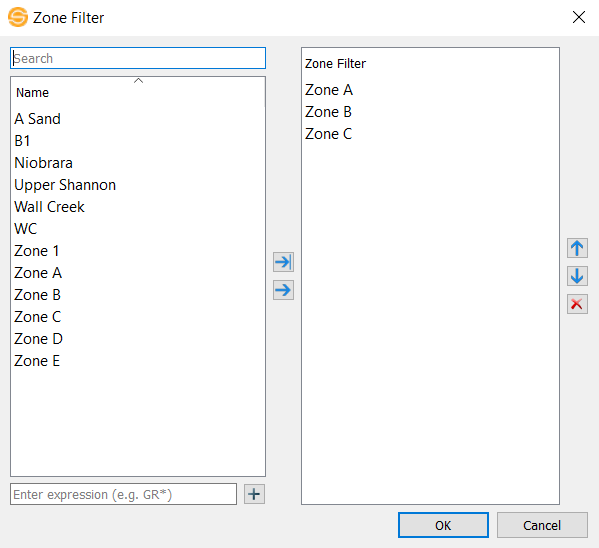
Select zones in the list and use  to move them into the filter or
  to move all zones into the filter. Use
  to remove zones from the filter. To enter an expression, use the text box below the zones list and click
  to add the expression to the filter.
Zone Type Filter
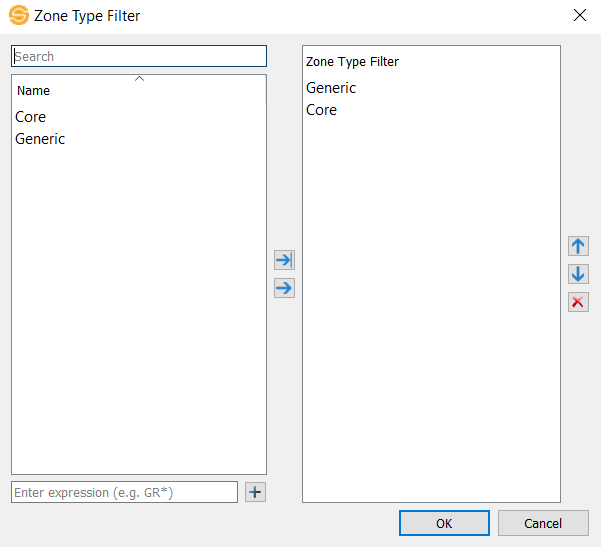
Select zone types in the list and use to move them into the filter or to move all zone types into the filter. Use to remove zone types from the filter. To enter an expression, use the text box below the zone types list and click to add the expression to the filter.
Zone Attribute Filter

Select zone attributes in the list and use to move them into the filter or to move all zone attributes into the filter. Use to remove zone attributes from the filter. To enter an expression, use the text box below the zone attributes list and click to add the expression to the filter.
Source Filter
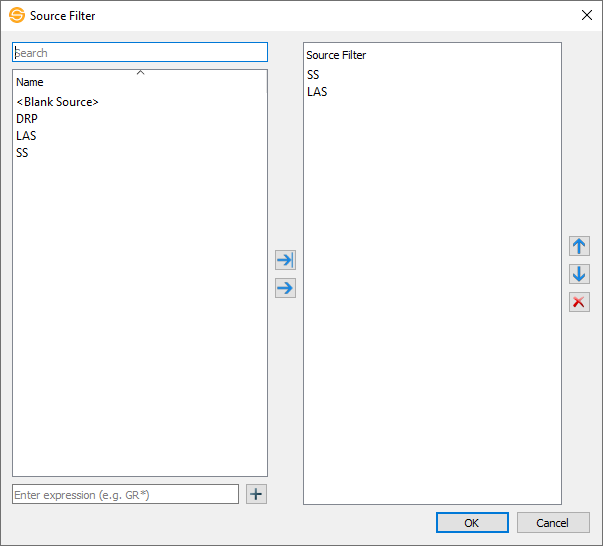
Select sources in the list and use to move them into the filter or to move all sources into the filter. Use to remove sources from the filter. To enter an expression, use the text box below the source list and click to add the expression to the filter.
Owner Filter

Select owners in the list and use to move them into the filter or to move all owners into the filter. Use to remove owners from the filter. To enter an expression, use the text box below the owners list and click to add the expression to the filter.
Tips and Tricks: If you want to quickly grab anything with a certain name in it, use *<Name>*. For example, if you want to display all the zones that have "Mannville" in it, enter in the expression *Mannville* into the Zone Filter.
— MORE INFORMATION

|
Copyright © 2020 | SeisWare International Inc. | All rights reserved |