Seismic Display Properties: Culture
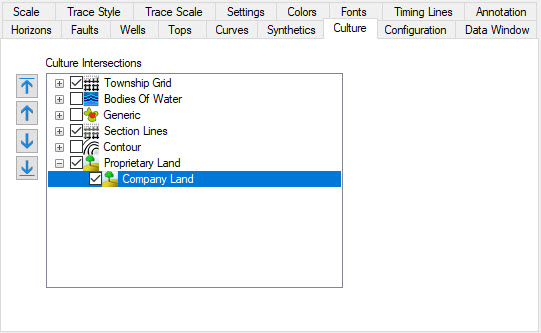
The Culture page allows you to specify which culture layers to use in seismic sections or slices. When displaying a seismic line, any culture that is selected will display a vertical line where the seismic intersects those culture layers. If you are displaying a slice, any culture selected will display like it would on the Basemap. Layers will initially be in the same as the Basemap, but after modification they will remain independent of the settings found on the Basemap.
 How do I turn layers on and off?
-
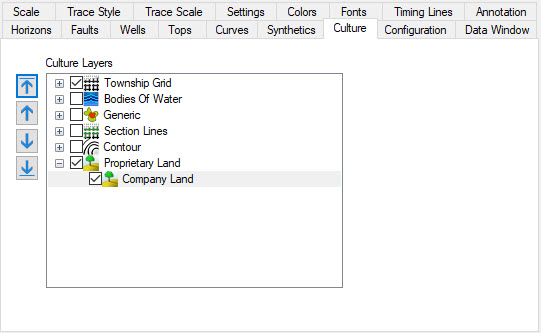
Click in the check box next to the name of the layer. You can hit the "+" next to a layer group to expand the group to turn layers on and off individually.
How do I reorder layers?
Layers can reordered within the layer
group, and layer types can be reordered.
-
Click on the layer or layer type.
-
While holding down the mouse button, drag the layer to a new location in the list. Alternately you can use the arrows to the left of the layers.
Also See
— MORE INFORMATION

|
Copyright © 2020 | SeisWare International Inc. | All rights reserved |