Copy Project Data: SEG-P Files
Use the SEG-P Files page to select the SEG-P files you want to copy
to
the
destination project. This page is only visible after selecting SEG-P
Files on the Select Data
page.
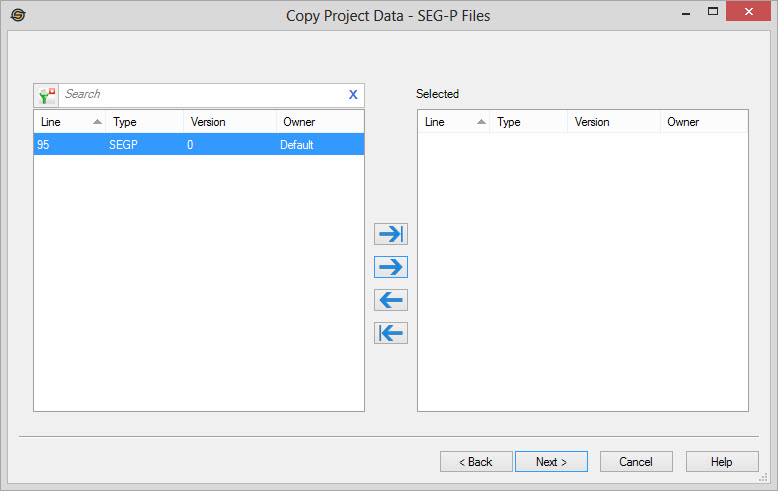
Select SEG-P Files
Select the SEG-P files that you
want to copy to the destination project. Left click to select a
file, use the Ctrl key
on your
keyboard to
select multiple files, or select a group of files from the
Basemap. The files can be moved between the Available and Selected lists using the selection arrows, or by
double clicking on a single file. To help you make your
selections, you can sort any of the columns by left
clicking on the column header, you can
select a filter ( ) to
limit the items in the list,
or you can type a search string into the search
bar.
) to
limit the items in the list,
or you can type a search string into the search
bar.
For additional selection and navigation options right click on the list
of SEG-Y files to access
the shortcut
menu.
Note: Depending on the Data Types selected, not all pages may appear.
— MORE INFORMATION

|
Copyright © 2020 | SeisWare International Inc. | All rights reserved |