Keyword Analyzer: Displayed Keywords
The Displayed Keywords dialog allows you to select the keywords that are visible in the Analysis Table.
General Information
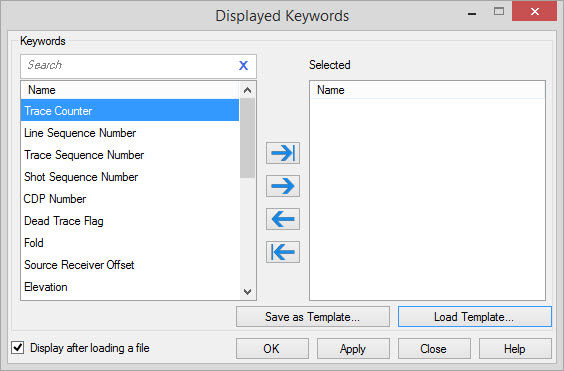
Keywords
A list of keywords available for the
current SEG-Y file. Keywords listed on the right will be displayed in
the Analysis Table.
Use
the "==>" button to move keywords from Available to Selected.
Save as Template: Saves the current Selected Keywords list to a template file.
Load Template: Loads a Selected Keywords list from a template file.
Displayed Keywords Options
Display after loading a file: Turn
this on to open the Displayed Keywords dialog every time a file is
selected in the Keyword Analyzer.
— MORE INFORMATION

|
Copyright © 2020 | SeisWare International Inc. | All rights reserved |