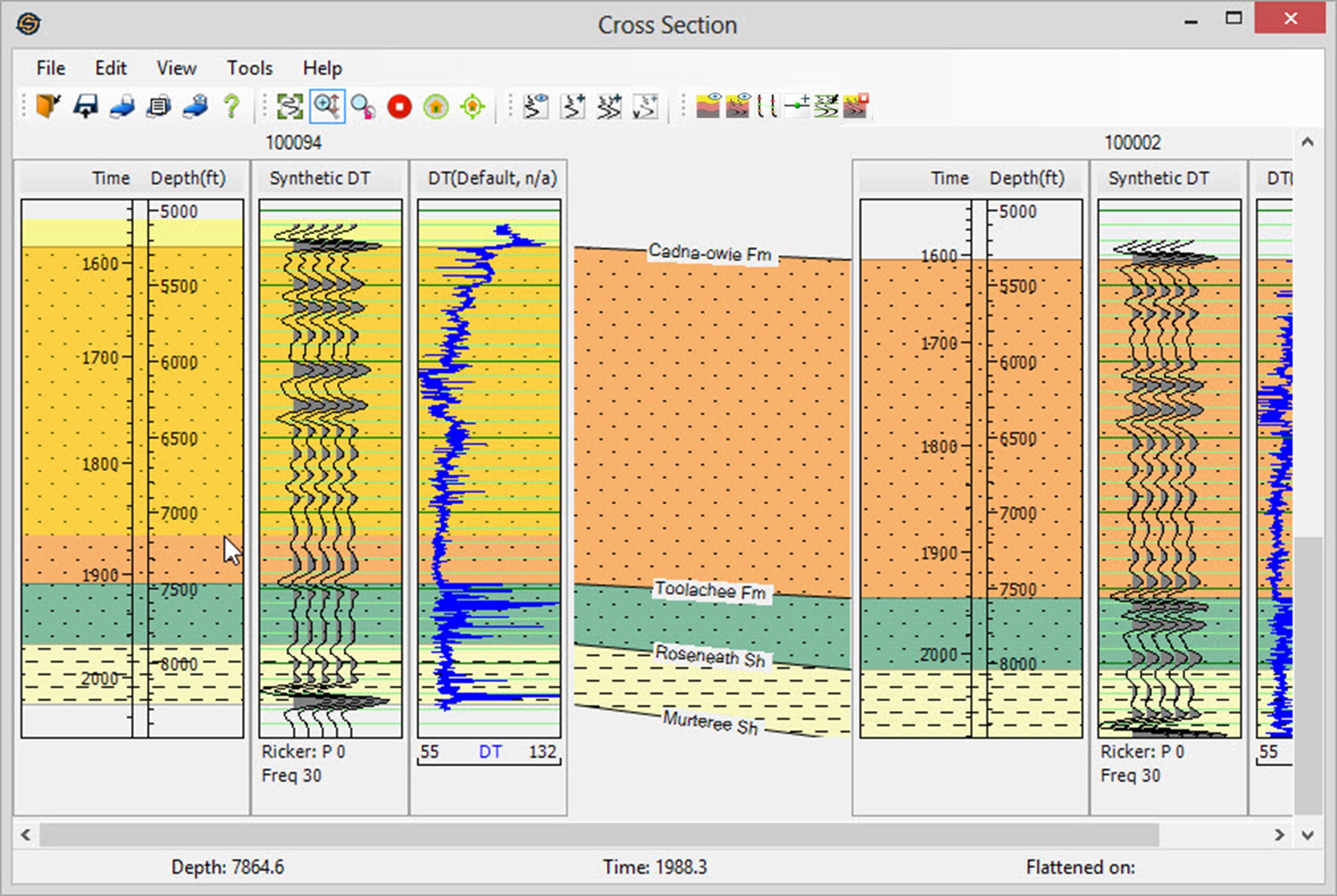
2D Modeling: Zoom Vertically
Zoom Vertical 
This allows you to zoom in on curves in the vertical
axis only.
You can then move the curve up and down at the resultant zoom level.
 How do I use the Zoom Vertical tool?
- Click the Zoom Vertically
icon to
enter the mode.
- Press and hold the left
mouse button to position
the start of the zoom.
- Drag with the left mouse
button to position
the end of the zoom.
- Release the mouse button. The window will zoom in. This can be done on any of the tracks, the depth track, any log curve tracks or on a synthetic track and in any of the wells.
Note: All tracks and all wells will be zoomed. Use previous zoom to restore the original zoom if needed.
 \
\
Also See
— MORE INFORMATION

|
Copyright © 2020 | SeisWare International Inc. | All rights reserved |