Cross Section Toolbar
The Cross Section Toolbar allows you to create and edit cross sections on the Basemap. Use the drop down to specify which type of cross section to create.
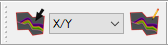
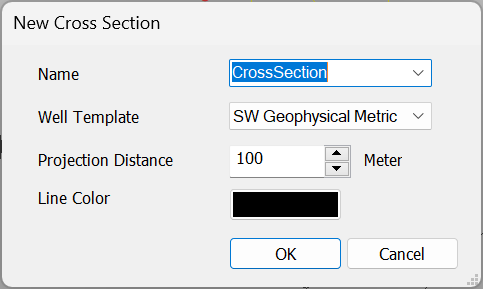
 Create Cross Section: Create a cross section. Use the left mouse button to select wells or add an x/y node on the Basemap. Click the right mouse button to finish your cross section. You will then be prompted to specify a cross section name, your desired well template, project distance, and cross section line colour in the New Cross Section dialog.
 Cross Section Type: Specify the type of cross section to make. You can choose between x/y, well to well, or follow a well bore.
 Edit a Cross Secton: Use the left mouse button to select a cross section on the Basemap to edit. Left click to add nodes or wells to the cross section or move existing x/y nodes. Click the right mouse button to exit the editing mode.
Also See
— MORE INFORMATION

|
Copyright © 2020 | SeisWare International Inc. | All rights reserved |