Interval Tools: Convert Intervals to Logs
The Interval Selection dialog box is used to select existing intervals to convert to log data. You can open this window from the Edit menu in the Interval Display Controls dialog box in any of the main workspaces.
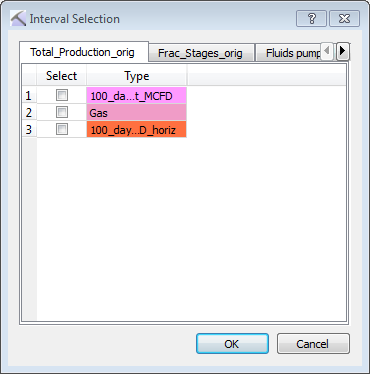
Select an Interval Type from one of the Interval Class tabs. After clicking  , a log curve is created using the Type name. The log curve values are generated from the value portion of every interval and then converted to a log value.
— MORE INFORMATION

|
Copyright © 2020 | SeisWare International Inc. | All rights reserved |